Some links in this post are affiliate links. If you buy something through one, Life in Soft Colors earns a small commission and you pay exactly the same price. (It does not change what I recommend.) More on how that works.
I used to think my phone camera was just bad at colors. Like, personally bad. I would stand in my own living room, look at my sage green couch with my actual eyeballs, then look at the photo, and the couch would be… gray. Or blue-ish. Or weirdly yellow depending on the day. I assumed the phone was broken. It was not broken. It was doing exactly what it was designed to do, which is guess.
Auto white balance is the setting that decides what counts as ‘white’ in a given scene, and then it adjusts every other color based on that guess. The idea is smart in theory. Light itself has a color temperature (that warm orange glow of a sunset versus the cool blue of an overcast sky), and your eyes correct for this automatically without you noticing. Your camera has to do the same correction, except it cannot see the whole room the way your brain can. It only sees whatever is inside the frame, and it has to make a split-second decision about what ‘neutral’ means in that specific rectangle.
The guessing game happening inside your camera
Here is the part nobody explains: auto white balance does not know what color your wall actually is. It assumes the average of everything in the frame should land somewhere near neutral gray, and it shifts the whole image to make that math work out. So if you are photographing a room that is genuinely, intentionally warm (lots of terracotta, wood tones, cream textiles), the camera sees all that warmth and thinks ‘this can’t be right, let me cool it down.’ It fights against the very palette you built on purpose.
Same thing happens in reverse with cool, soft spaces. A room full of dusty blues and soft grays reads to the sensor as ‘too cold,’ so it warms things up to compensate, and suddenly your calm gray-blue bedroom looks like it has a yellow filter over it. The camera is not malicious. It is just applying a general rule to a specific situation, and soft, muted palettes are exactly the kind of specific situation that general rule breaks on.
Why this hits soft color palettes especially hard
Bold, high-contrast rooms are easier for auto white balance because there is more visual information for the algorithm to average against. But a room built entirely from close, gentle tones (think oatmeal, blush, sage, bone) does not give the camera many hard edges to calibrate off of. It is all subtlety, and subtlety is exactly what gets flattened first. This is why a beautifully soft, layered room can photograph as bland or muddy even though it looks rich and considered in person.
I noticed this most with a linen curtain I love. In person it has this faint dusty pink undertone, barely there, just enough to warm up the room in the late afternoon. In photos it reads as plain off-white nine times out of ten. The camera decided pink was not ‘real’ enough to preserve and rounded it down to neutral.
What actually helps (short of buying new gear)
You do not need a fancy setup to get better results. A few small habits make a real difference.
- Switch off auto white balance when you can and set it manually to match your light source (most phone camera apps have a manual or ‘pro’ mode hiding in a menu you have probably never tapped).
- Photograph near a consistent light source rather than mixed lighting (one window plus one lamp confuses the algorithm more than either alone).
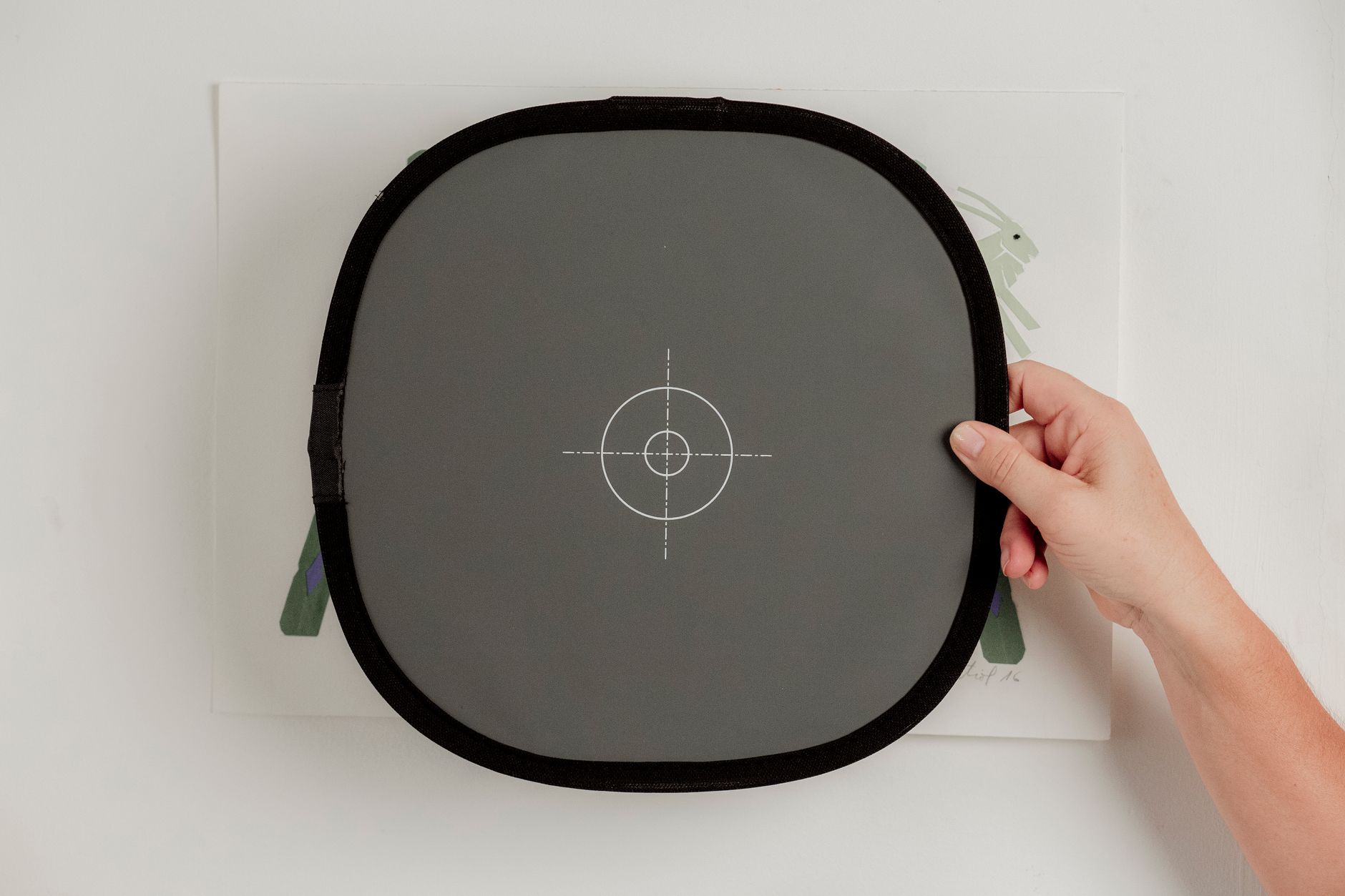
- Include something you know is truly neutral in the frame, even just once, so you can compare it later and see how far off the color shift really is.
- Take the photo, then immediately look at it next to the real object. Not later. Right then, while your eyes still remember the actual color.
That last one sounds obvious but it is the habit that changed things most for me. Our memory of color is shockingly short. Wait even ten minutes and your brain starts trusting the photo over the memory.
The camera is not showing you the room. It is showing you the camera’s best guess about the room, filtered through an assumption that everything should average out to gray.
The setting most people never touch
If your phone lets you lock white balance (sometimes labeled AWB lock, sometimes buried in a pro or manual shooting mode), locking it once you are happy with a test shot in a specific room is genuinely useful. It stops the camera from re-guessing every single time you tap the shutter, which matters a lot if you are trying to photograph the same room across different times of day and want some consistency between the shots.
None of this makes your phone camera perfect. It just makes it a little less confidently wrong. And once you know the camera is guessing rather than measuring, it gets a lot easier to forgive the weird color shifts and just work around them.